This guide was compiled by Sarah Jenkins, a travel document specialist with 5+ years of experience processing UAE eVisas for UK residents. Last reviewed: January 2026. The requirements described reflect the rules effective from September 2025.
Featured Snippet: To upload your UAE eVisa passport copy, scan your bio-data page and external cover page at 300 DPI minimum in full colour (JPEG, PNG or PDF format, under 2 MB each). Your passport-size photograph must be 35 × 45 mm (minimum 600 × 600 px) on a plain white background, with no glasses and full facial visibility. Ensure the MRZ code is fully visible and uncropped.
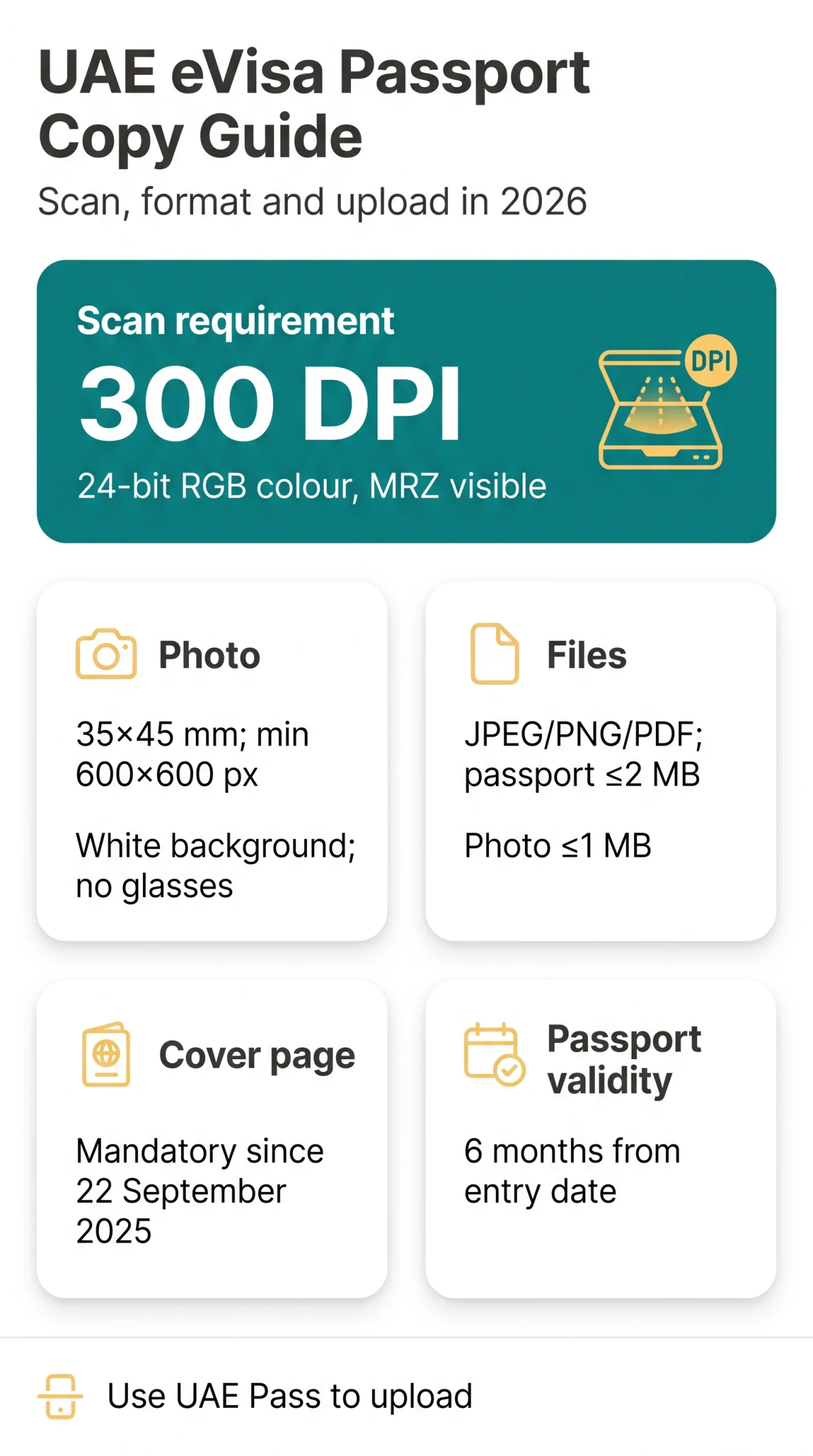
To secure your entry permit in 2026, you must correctly format your UAE eVisa passport copy. Scan your bio-data page and external cover page at minimum 300 DPI (or 600 DPI for high detail) in 24-bit RGB colour, saving as JPEG, PNG, or PDF under 2 MB. Keep the Machine Readable Zone (MRZ) fully visible and uncropped. Use a desktop scanner or mobile app set to 300 DPI and keep the head central – both required for automated processing.
UAE eVisa Document Requirements at a Glance
The application requires four core documents, including your UAE eVisa passport copy and supporting files.
| Document Name | Required? | Notes |
|---|---|---|
| UAE eVisa passport copy (Bio-data) | Yes | Must show MRZ clearly. |
| External cover page | Yes | Mandatory since Sept 2025. |
| Passport-size photograph | Yes | White background, no glasses. |
| Hotel booking & Flight ticket | Yes | Name must match passport. |
| Travel insurance | Yes | Valid for UAE stay. |
UAE eVisa Passport Copy Requirements and Scanning Specifications
Your UAE eVisa passport copy must include a full-colour scan of both the bio-data page and the external cover page, meeting strict resolution limits.
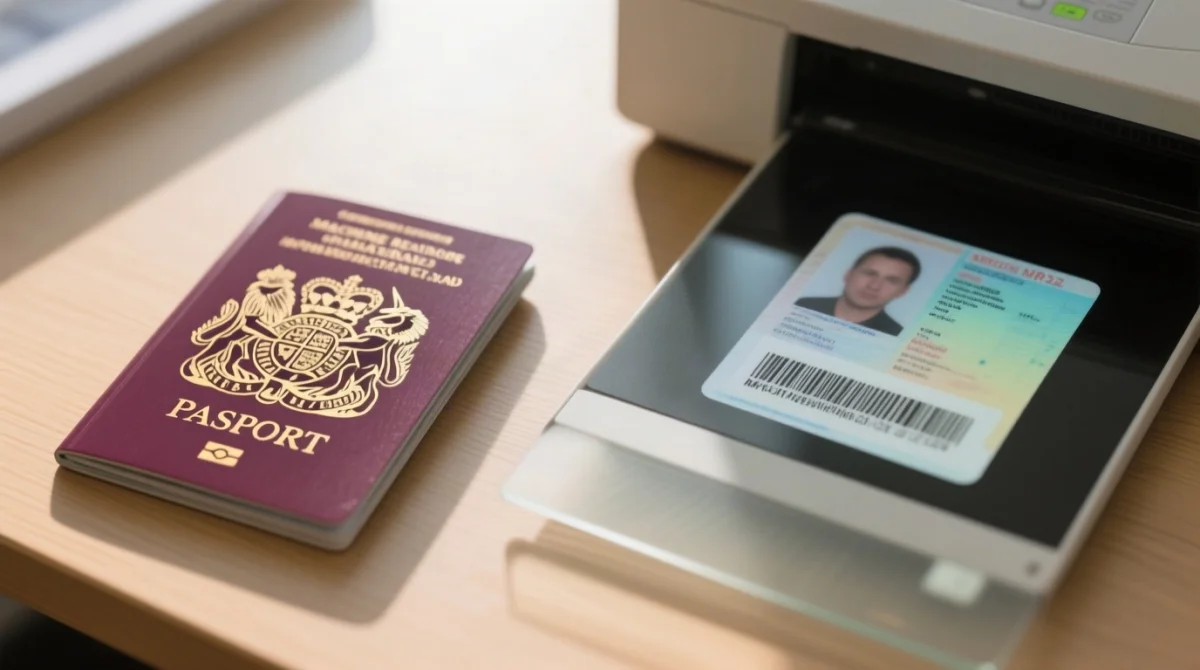
Meet these requirements for your UAE eVisa passport copy:
- UK passports must hold at least 6 months of visa validity from your planned entry date.
- Set your scanner to a minimum resolution (DPI) of 300 DPI (up to 600 DPI) in 24-bit RGB colour.
- The external cover page scan is mandatory (effective since September 2025) and must display the national emblem.
- The bio-data page scan must keep the Machine Readable Zone (MRZ) fully visible and uncropped.
Passport-Size Photograph Dimensions and Biometric Rules
Your UAE eVisa passport copy submission requires a passport-size photograph: exactly 35×45 mm, plain white background, minimum 600×600 px. The process enforces strict standards: correct head position and full facial visibility. Glasses are prohibited unless required for medical reasons; religious headwear is permitted only if the face is visible. Set your camera or scanner to 300 DPI for the photograph to match the UAE eVisa passport copy scan standard.
| Parameter | Requirement |
|---|---|
| Physical Dimensions | 35×45 mm |
| Digital Dimensions | Minimum 600×600 px at 300 DPI (approximately 413×531 px at 300 DPI; the 600 px minimum ensures sufficient quality – crop to a 7:9 ratio, not a square). |
| Background Colour | Plain white (no shadows) |
| Biometric Rules | No glasses, full facial visibility |
Important: A 35×45 mm photo at 300 DPI yields an image of approximately 413×531 pixels. To meet the 600×600 px minimum, upscale while preserving the 7:9 aspect ratio – do not stretch or crop to a square, as this will cause rejection.
Formatting and Compressing Your UAE eVisa Passport Copy
Files must be correctly named and compressed before submission of your application alongside your UAE eVisa passport copy via the ICP or GDRFA platforms.
Select the correct file format
The system exclusively accepts JPEG, PNG, or PDF files.
Apply document compression
Passport copy max 2 MB; passport-size photograph max 1 MB.
Rename your files
Use simple naming without spaces or special characters (e.g. passport_bio.pdf, passport_cover.pdf, photo_35x45.jpg).
How to Upload Your UAE eVisa Passport Copy and Avoid Errors
Uploading your UAE eVisa passport copy requires authentication via UAE Pass. This prevents rejection from cropped MRZ and black-and-white scans. To prevent delays involving your file number or sponsor, verify your visa validity and ensure your passport holds at least 6 months of validity from your entry date. Avoid these frequent UAE eVisa passport copy upload mistakes:
- Black-and-white scans: The electronic visa system requires full colour (24-bit RGB).
- Cropped MRZ: The Machine Readable Zone at the bottom of the bio-data page must be fully visible.
- Missing external cover page: This is a mandatory requirement introduced in September 2025.
- Unsupported formats: Submissions must be in JPEG, PNG, or PDF formats.
Technical FAQ: UAE eVisa Passport Copy Requirements
What is the maximum file size for the UAE eVisa passport copy?
UAE eVisa passport copy: max 2 MB; photo: max 1 MB.
Do I need to scan the external cover page of my passport?
Yes, mandatory since 22 September 2025; include front cover with emblem in your UAE eVisa passport copy.
Can I upload a black and white UAE eVisa passport copy?
No, your UAE eVisa passport copy must be 24-bit RGB colour.
What are the exact dimensions for the passport-size photograph?
35×45 mm physical, min 600×600 px, white background.
Why was my UAE eVisa passport copy rejected due to the MRZ?
MRZ (bottom two-line code) was cropped – keep it fully visible on your UAE eVisa passport copy.
Can I wear glasses in my UAE eVisa passport photograph?
No, except for medical reasons; full facial visibility required.
How long must my UK passport be valid for a UAE eVisa?
6 months from planned entry date.
What file formats are accepted for the UAE eVisa passport copy?
JPEG, PNG, or PDF for your UAE eVisa passport copy.
Can I upload a damaged external cover page?
Damaged pages risk rejection; ensure the country name and emblem are clearly visible.
What resolution (DPI) is required for scanning?
Minimum 300 DPI, though 600 DPI is recommended for high detail.
Visa rules are subject to change without notice. Always verify current requirements on the official ICP/GDRFA website before submitting your application.